What you need
- One clear photo of the person who will freestyle: you, a friend who agreed, or your pet
- A Google account to sign in
- 1 credit for 480p or 3 credits for 720p HD; packs cost $9.99 for 1, $19.99 for 3 or $59.99 for 10 credits
- Time to check the result; processing may take several minutes and has no fixed completion time
Step by step
- Pick the right photoUse one person per photo, face clearly visible and front-on, in even light. A half-body shot works better than a tight close-up because it gives the model more information about the outfit.
- Upload it to the generatorOpen the generator on our home page and drop the photo into the upload box. It is resized in your browser before upload, so phone photos are fine.
- Sign in and press GenerateSign in with Google and press Generate video. 480p uses 1 credit and 720p HD uses 3; if you have none, pick a one-time pack and your photo stays in place.
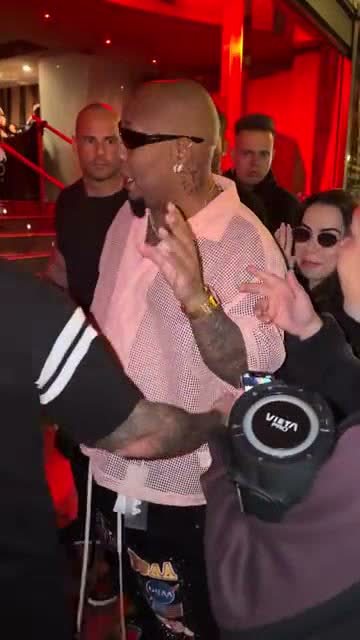
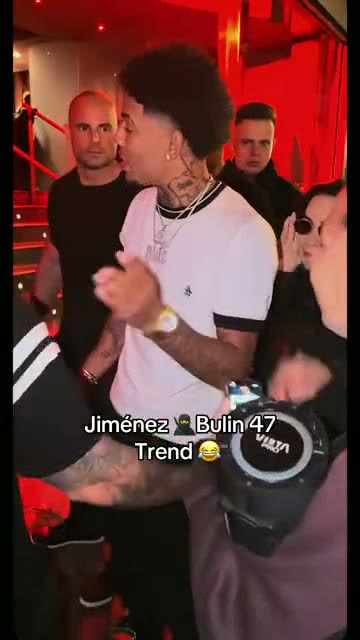
- Wait a few minutesThe AI recreates the lead performer using your photo and a fixed performance reference. Faces, clothes and background details may change. Original audio is added to the final MP4. You can close the page and check progress in My videos with the same Google account.
- Download and postDownload the 9:16 MP4 and post it to TikTok, Reels or Shorts. Add #DameHombro and #Bulin47. If the platform mutes the audio, pick “Dame Hombro” or the original sound from its music library.
Ready to try the steps? Upload your photo to the generator. One 480p video costs $9.99.
Upload my photoPhoto tips that make the biggest difference
- Face the camera; side profiles lose likeness when the performer turns
- No sunglasses, masks or hair over the eyes
- Avoid beauty filters; the model copies the filtered face
- One face only; group photos confuse the model
- Pets work best with a clear, front-facing face
Why one photo is enough
The performance reference and instructions are already prepared in this generator. You supply the appearance photo, so you do not need to find a reference clip or write a motion prompt. This guides the recreation without guaranteeing identical movement or likeness in every frame. The original audio is added separately before delivery.
FAQ
Can I make the Bulin 47 AI video for free?
There is no free generation or signup grant here. A 480p request uses 1 credit; the single credit pack costs $9.99. Check the current terms of any trial offered by another service rather than assuming its duration or audio limits.
How long is the video?
15 seconds, vertical 9:16, with the original sound.
Can I use a photo of a celebrity or a friend?
Only people who agreed. Celebrities and public figures aren’t allowed, and the video can’t be used to impersonate anyone.
What if the face doesn’t look right?
Try a clearer, front-facing photo in even light. Each purchase adds one retry, which can restore the credit cost of an eligible completed video so you can make another version. Confirmed failed jobs return their full credit cost. See the refund policy for help with other cases.